

Choosing the right home printer isn’t as simple as picking the cheapest option anymore. These days people want something reliable affordable to run and easy to connect with phones and laptops. Whether you’re printing school assignments office documents or occasional photos the right printer can save you both time and money in the long run.
In this guide I’ve carefully selected some of the best home printers that actually perform well in reallife usage not just on paper specs. I focused on factors like printing cost, speed, wireless features and long term reliability. Some are perfect for high volume users while others are ideal for light everyday printing.
Let’s break them down one by one so you can pick the right one without wasting money.
Table of Contents
🖨️ 1. Brother HL-L2350DW (Laser Printer)
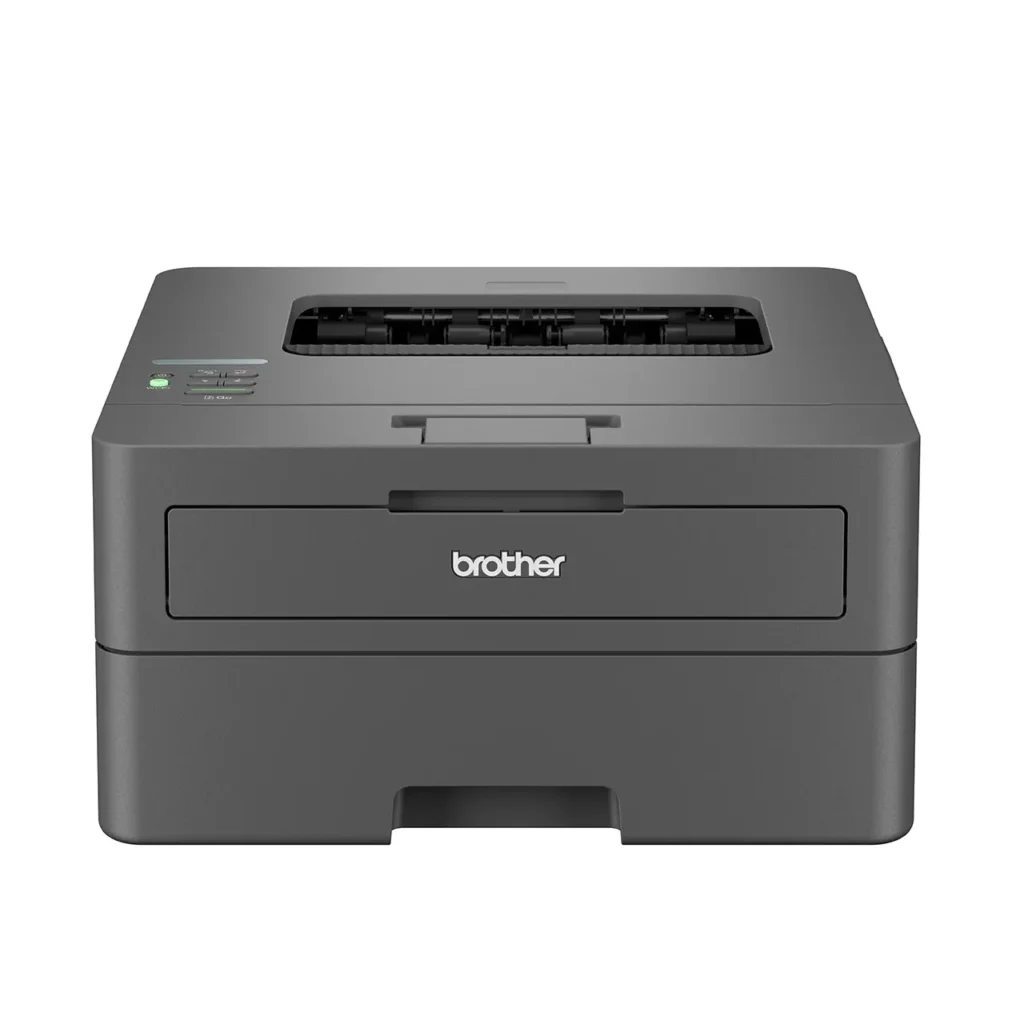
If you mainly print black and white documents this is honestly one of the most practical choices you can make. The Brother HL-L2350DW is a compact laser printer that focuses purely on speed and efficiency without unnecessary extras. It’s built for people who print frequently and don’t want to deal with expensive ink cartridges every few weeks.
The biggest advantage here is its laser technology which means toner lasts much longer than traditional ink. It prints sharp text documents making it perfect for students, freelancers or small office work at home. The wireless feature works smoothly and once set up, it rarely gives issues.
Another thing I like is how consistent it is no random ink drying problems like inkjet printers. You just turn it on and print. It’s not flashy, but it gets the job done reliably every single time.
This printer is ideal if you care more about cost per page and less about color printing. If your work is mostly documents this is a solid investment that pays off over time.
Pros:
- Very low cost per page because toner lasts significantly longer than ink cartridges, making it ideal for heavy document printing over time
- Fast printing speed with consistently sharp and professional looking text, especially useful for assignments, reports and office work
- Reliable wireless connectivity with minimal setup issues, and once connected it works smoothly without frequent disconnections
Cons:
- No color printing support, which makes it unsuitable for photo printing or any design related work
- Does not include scanning or copying features, so you’ll need a separate device for those tasks
🖨️ 2. Brother MFC-J4535DW (All-in-One Inkjet)
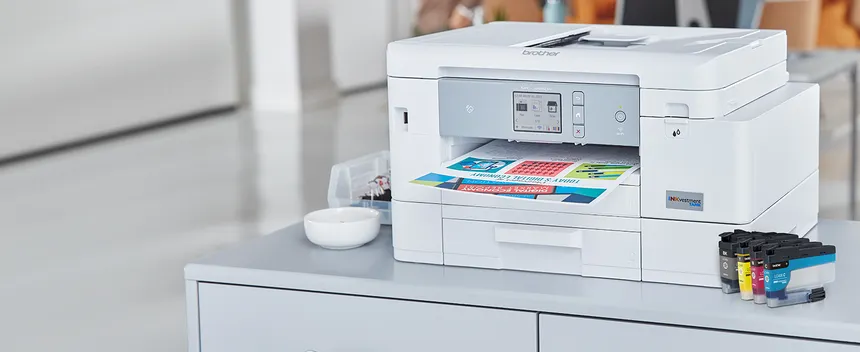
This is the kind of printer that suits a busy home where different tasks come up daily. The Brother MFC-J4535DW is an all in one printer meaning you can print, scan, copy and even fax if needed. It’s designed for people who want flexibility without buying multiple devices.
What really stands out is its INKvestment Tank system, which gives you a much higher page yield compared to standard ink cartridges. That means fewer replacements and better savings over time. It handles both black-and-white and color prints nicely, which makes it useful for school projects and casual photo printing.
The wireless printing experience is smooth, especially if you use mobile apps. You can print directly from your phone without dealing with cables which is something most users expect today.
It’s not the cheapest printer upfront but once you start using it regularly the cost balances out thanks to efficient ink usage. Overall it’s a well rounded option for families or home offices.
Pros:
- True all in one functionality allowing you to print, scan, copy and fax making it perfect for families and home office users
- INKvestment Tank system provides high page yield meaning fewer cartridge replacements and better long term savings
- Produces good quality color prints along with sharp black text suitable for both documents and school projects
Cons:
- Initial purchase cost is slightly higher compared to basic home printers, which may not suit tight budgets
- Printing speed is decent but slower than laser printers, especially when handling large document batches
🖨️ 3. Canon Pixma G3270 MegaTank
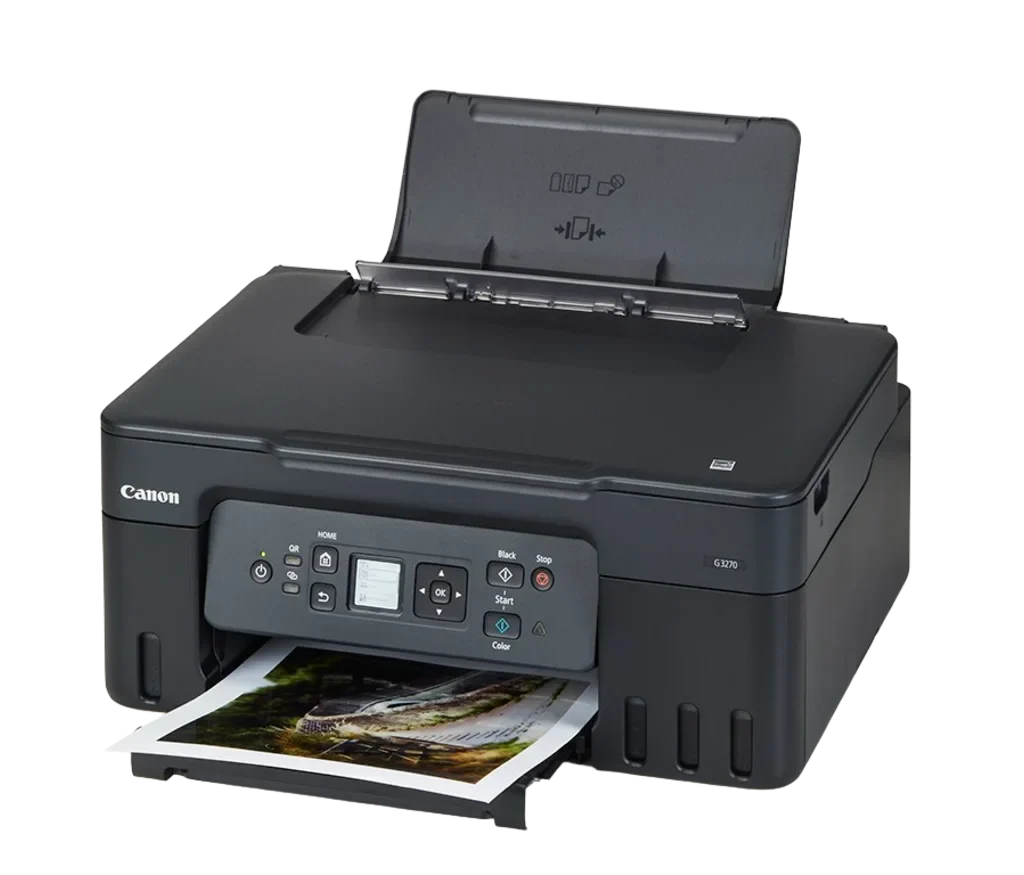
If your main concern is saving money on ink, this printer is a game changer. The Canon Pixma G3270 comes with a MegaTank system, which uses refillable ink tanks instead of cartridges. That alone makes a huge difference in long term cost.
You can print thousands of pages before needing a refill, which is perfect for students or families with heavy printing needs. It supports wireless printing and works well with smartphones making everyday use convenient.
The print quality is surprisingly good for both documents and photos especially considering how low the ink cost is. It’s not built for speed but it makes up for that with affordability and consistency.
For anyone tired of constantly buying expensive cartridges, this printer feels like a relief. It’s simple efficient and built for long term use.
Pros:
- Extremely low printing cost thanks to refillable ink tanks, allowing you to print thousands of pages without worrying about ink expenses
- High page yield makes it ideal for students, families, or anyone with frequent printing needs
- Good color printing quality for everyday use, including assignments, charts, and casual photo printing
Cons:
- Slower printing speed compared to laser printers especially noticeable when printing large documents
- Lacks some advanced features like automatic duplex printing in certain cases
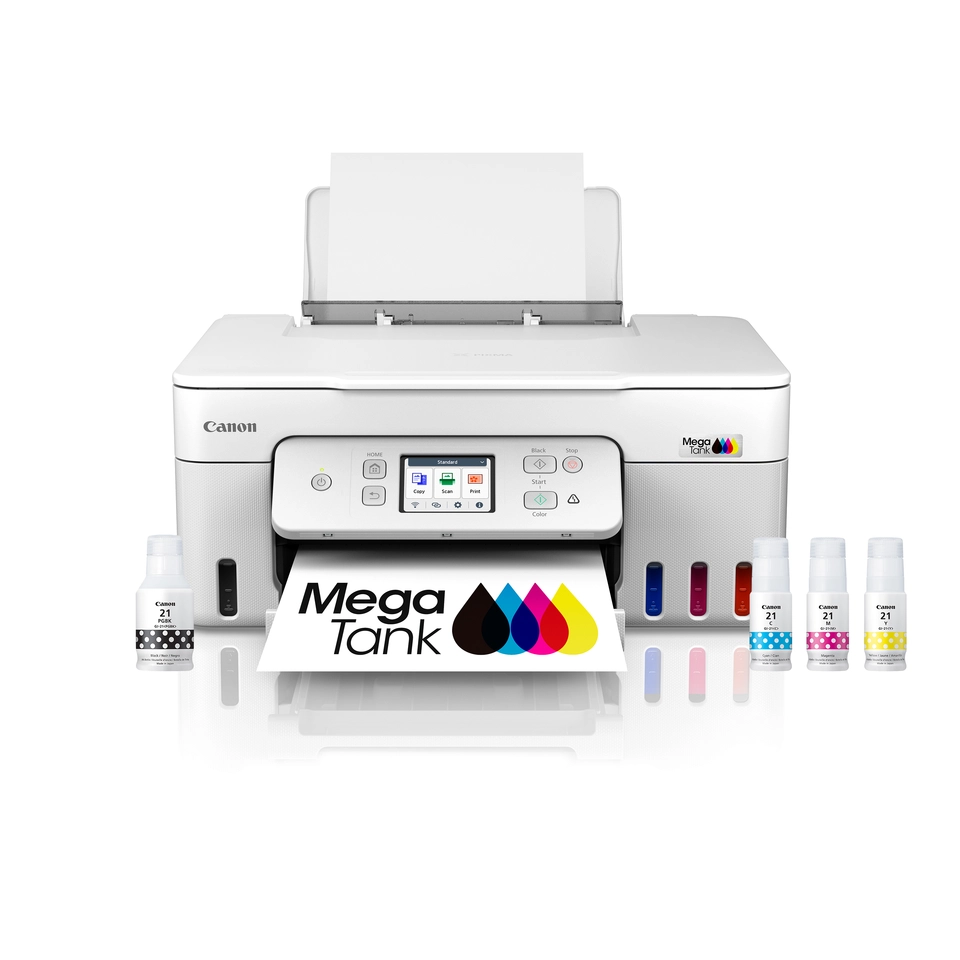
🖨️ 4. Canon MegaTank Pixma G3290
This model is an upgraded version with better wireless features and improved usability. The Canon G3290 is designed for users who want the same low cost printing but with a bit more convenience and smoother connectivity.
It’s ideal for homes where multiple people need to print from different devices. Setup is simple and once connected, it works reliably without constant troubleshooting. The MegaTank system again keeps running costs extremely low.
Print quality is consistent, whether you’re printing documents or color pages. It handles everyday printing needs without any hassle. It’s not a high speed printer but for home use it’s more than enough.
If you want a balance between affordability and modern features this is a strong option worth considering.
Pros:
- Very low running cost due to MegaTank system, making it one of the best options for long term savings
- Improved wireless connectivity allows multiple users to print easily from phones tablets and laptops
- Consistent and reliable print quality for both black and white and color documents
Cons:
- Printing speed is not very fast, which may be a drawback for users with high volume urgent printing needs
- Slightly bulky and heavier design compared to compact home printers
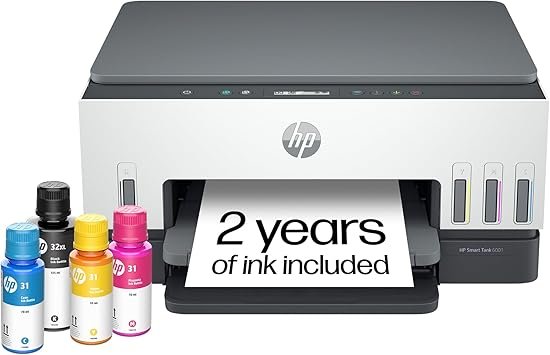
🖨️ 5. HP Smart Tank 6001
HP has done a great job with this one especially for users who want a clean modern printer with long term savings. The HP Smart Tank 6001 focuses on high volume printing with minimal ink expenses.
It comes with a large ink tank system that can last for thousands of pages, which means fewer refills and less hassle. The print quality is sharp, and it works well for both documents and color prints.
The HP Smart app makes wireless printing very easy even for beginners. You can print scan and manage everything directly from your phone without needing technical knowledge.
It’s a good choice for people who want something simple, efficient and reliable for daily home use.
Pros:
- High page yield with refillable ink tanks, allowing long term use without frequent ink purchases
- Easy to use HP Smart app makes mobile printing, scanning, and setup very convenient even for non-technical users
- Good print quality for both text documents and color prints suitable for everyday home tasks
Cons:
- Initial setup process can take some time, especially for first time users unfamiliar with wireless printers
- Printing speed is moderate and may feel slow when handling large print jobs
FAQS:
1. What is the best home printer for cheap ink in 2026?
The best home printers for cheap ink are usually ink tank printers like Canon MegaTank or HP Smart Tank models. These printers use refillable ink bottles instead of cartridges, which drastically reduces cost per page. If you print frequently, they can save you a lot of money in the long run compared to traditional inkjet printers.
2. Which is better for home use: inkjet or laser printer?
It depends on your usage. Laser printers are better for fast, high-volume black-and-white document printing with low running costs. On the other hand, inkjet or ink tank printers are better if you need color printing, photos, or school projects. For most homes, an ink tank printer is the more flexible choice.
3. Are wireless home printers reliable for daily use?
Yes, modern wireless printers are quite reliable as long as you have a stable WiFi connection. Most printers now come with mobile apps that make printing from phones very easy. Once properly set up, wireless printing is smooth and removes the need for messy cables.